Go to Your Account Page #
Find the “ACCOUNT” link in the top navigation and hover over it. You will see a dropdown that says “Manage Plan”, click or tap it. Alternatively, the “Manage Plan” link can also be found in the bottom menu (not shown).

Go to Your Packages #
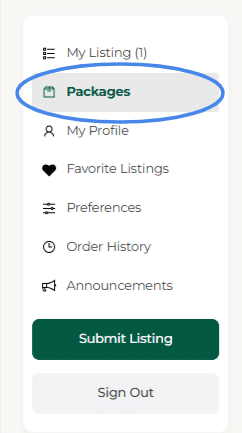
Now that you are on you dashboard, find the “Packages” link in the sidebar. Click or tap it.
Locate Your Active Package #
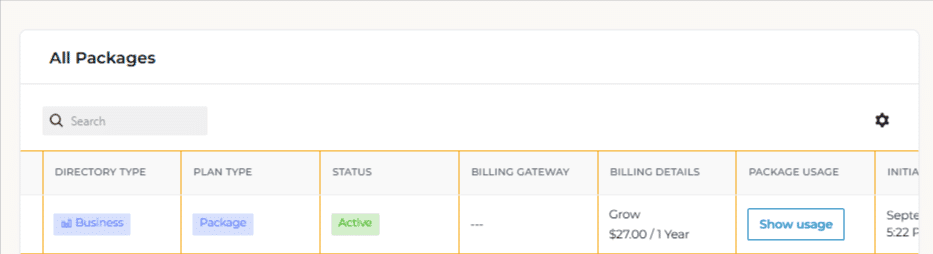
Your current package(s) and any previous packages will be displayed. Find the package, you wish to cancel.
Cancel Plan #
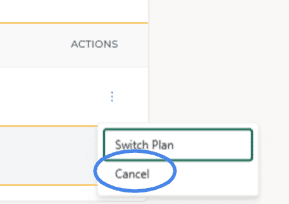
Scroll all the way to the right and you will see the actions for that package. Click or tap the “Cancel” link.
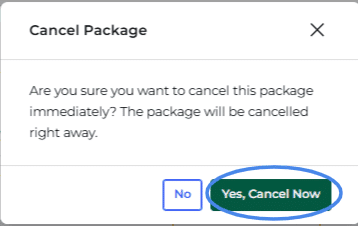
Confirm Cancellation #
Click or tap the button to confirm that you wish to cancel immediately. Any listings that you have will expire immediately. You can re-activate them by purchasing a new plan.